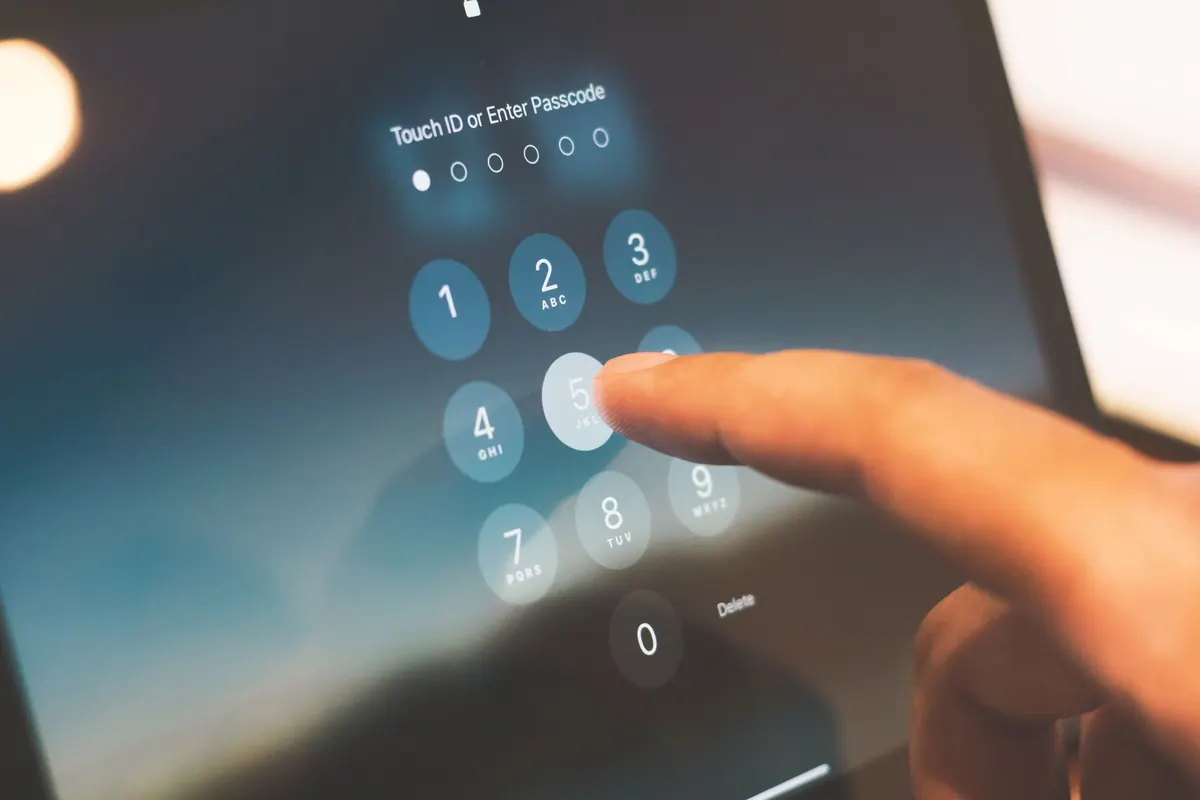
Password Managers for Beginners: How to Start Without Losing Access
A practical beginner's guide to setting up a password manager, choosing a master password you won't...


You probably touch your keyboard more than any other piece of gear you own, and yet most people keep whatever came in the box. That's fine until you type for a living, game seriously, or share a desk wall with three colleagues who can hear every keystroke. The choice between a mechanical and a membrane keyboard comes down to five practical things: feel, noise, durability, price, and where you'll actually use it. Here's how to weigh them up without drowning in switch charts.
A membrane keyboard is one sealed sandwich. Rubber domes sit over layered plastic sheets, and pressing a key collapses the dome, pushing two conductive layers together to register the press. Because the whole sheet works as a single unit, one worn-out key often means a new keyboard rather than a repair.
A mechanical keyboard is a grid of individual switches, soldered or socketed onto a circuit board. Each switch has its own spring, stem and contact. The key registers as you pass a set actuation point, before it bottoms out, so you don't have to mash every press into the deck.
Membrane boards feel soft, slightly vague, and identical from the first press to the last. There's no feedback until you hit the bottom, which is perfectly pleasant for short bursts of typing and email. Over a long writing session, bottoming out every single press quietly adds up, and that mushy landing is where most fatigue complaints start.
Mechanical switches are crisp and, more importantly, consistent. Every key feels the same, which makes touch typing easier to trust. You also get a real choice of character: linear switches are smooth with no bump, tactile switches give a small bump at the actuation point, and clicky switches add an audible click on top. Spring weights vary too — lighter springs feel quick and light fingered, heavier ones feel deliberate and resist accidental presses.
Switch preference is personal, so test before you commit. Many retailers sell small switch testers, and a hot-swappable board lets you pull switches in and out without soldering, which turns a guess into an experiment.
Clicky switches are lovely in a home office and antisocial in a shared one. If you work in an open plan, sit near people on calls, or share a room with a light sleeper, you want a quieter path: silent mechanical switches, tactile switches with thin O-rings under the keycaps, a desk mat to dampen the case, or a low-profile mechanical board that sits closer to the deck.
A membrane keyboard is the obvious quiet option, and laptop-style scissor switches are quieter still. But no keyboard is silent, so manage the room as well as the board. If you take a lot of calls, the microphone matters more than the switch — a directional mic or a noise gate will do more for your colleagues than any keycap mod. And when you're gaming late with a live mic, everyone hears clicky switches.
Mechanical switch makers commonly quote lifetimes in the tens of millions of presses, and the honest advantage isn't the number — it's the repairability. On a hot-swappable board, a dead key means pulling one switch and pushing in a replacement. Keycaps, cables and cases are often replaceable too, so a mechanical board can outlive two or three computers.
Membrane rubber domes stiffen and lose their snap over years of use, and when the sheet fails you replace the whole keyboard. Usually it's cheaper to buy new than to repair, which is why membrane boards are treated as disposable.
Two caveats worth knowing. A cheap mechanical board can feel worse and fail sooner than a well-made membrane one, so price alone isn't quality. And neither design enjoys coffee. Mechanical boards are also heavier and thicker, so measure your desk or keyboard tray for clearance before ordering.
Membrane keyboards are inexpensive and often bundled with a desktop. Mechanical boards cost more because you're paying for individual switches, thicker keycaps, a sturdier case and a proper circuit board. Entry-level mechanical models are affordable, but the top end climbs quickly.
Spend in this order: layout and switch type first, then build quality, then wireless and lighting last. Choosing a hot-swappable board means later upgrades cost the price of switches rather than a whole new keyboard. A barebones kit plus keycaps you like, or a well-kept used board, is often better value than a prebuilt loaded with features you'll never touch.
If you're happy with your current keyboard and type in short bursts, keep it and put the money somewhere that changes your day more — a better chair, a monitor that doesn't make you squint. A new set of switches won't fix a bad setup.
If you type for hours, want a specific feel, or want a board you can repair instead of replace, mechanical is worth the money. Do it in this order: try a switch tester or a friend's board, pick your layout (full-size, tenkeyless, or compact), buy hot-swappable from a retailer with a returns policy, and keep your old membrane board as a quiet-day backup.
One last thing. Persistent wrist, hand or forearm pain isn't a switch problem, and no keyboard will fix it on its own. Desk height, keyboard position, wrist angle and regular breaks matter far more than the mechanism under the keycaps. If discomfort lasts, speak to a clinician rather than shopping for another board.
Photo: Pixies / Pixabay
A practical beginner's guide to setting up a password manager, choosing a master password you won't...
Cold slows the chemistry inside lithium-ion cells, so your phone misreads its own charge and shuts down...
Budget active noise cancellation handles train rumble and bus drone surprisingly well, but comfort, call...