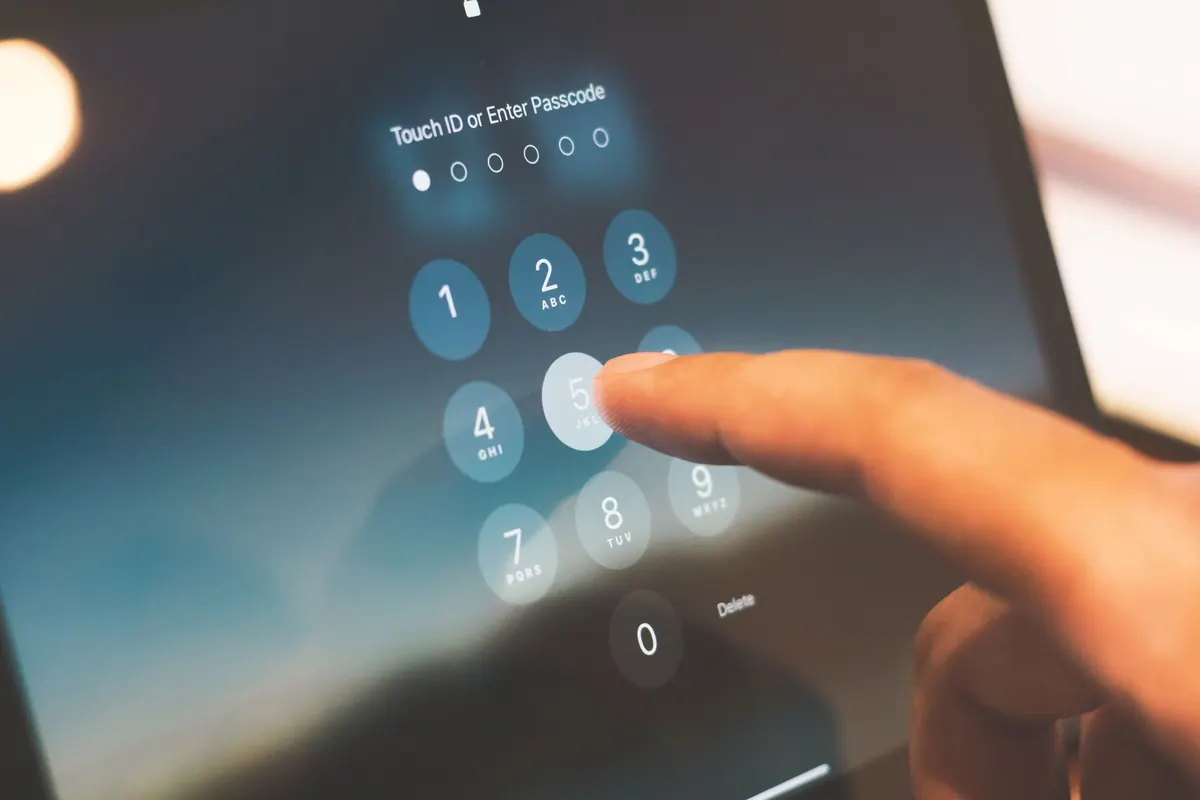
Password Managers for Beginners: How to Start Without Losing Access
A practical beginner's guide to setting up a password manager, choosing a master password you won't...


A smart home usually starts with one gadget and a phone full of apps. Two years later there are nine apps, three forgotten passwords, and a hallway light that only responds when you're standing in exactly the right spot. The fix isn't buying more devices. It's picking a hub and a small set of things that speak the same language, then adding slowly.
What follows is a starter kit of seven devices that genuinely work together, plus the order to buy them in and the mistakes that make beginners give up.
Every device in your home talks over something. It helps to know the three main options before you spend anything:
Then there's Matter, the cross-brand standard that lets devices from different companies work in the same app. If a product carries a Matter logo, it will usually cooperate with whatever hub you already own. That's worth more than any single feature.
So: choose one hub from a company with a track record of software updates, and prefer devices that support Matter or at least connect through a hub rather than only through their own app. This one decision saves you from app sprawl later.
Hardware is the easy part. Start with a few rules that solve a real annoyance rather than showing off:
Two habits make all of this work. Name every device by room and function ("Kitchen Counter Plug," not "Plug 3"), and assign it to the correct room in the app. Automations reference those names, and vague names are how working systems turn into mysteries.
Voice is at its best when your hands are full or the switch is across the room. Telling the kitchen speaker to set a ten-minute timer while you're cooking is genuinely useful. Asking it to dim the lights from the couch is too.
Keep it simple: one assistant, one naming style, and consistent phrasing. If your lamp is in the "Living Room" room group, "turn on the lamp" usually works without saying the room at all. And never remove the physical switch — voice fails when the Wi-Fi is down, and guests shouldn't need a tutorial to turn on a light.
Buy the hub, two plugs, and one motion sensor. Set them up, place them, and live with them for a week before ordering anything else. You'll learn which rooms you actually walk through at night and where a plug is annoying rather than helpful — information no product page can give you.
Then add bulbs, then a dimmer, then sensors. Keep a simple note listing what you bought, which app controls it, and which protocol it uses, so future-you can troubleshoot without guessing. Spread the spending out, and don't chase the cheapest option on every item; a device you replace twice costs more than one you buy once.
Renters can build most of this without touching wiring: plugs, bulbs, and sensors that stick or sit on a shelf. Build the system in small steps, and it will still be working in five years instead of sitting in a drawer with eight other abandoned gadgets.
Photo: TayebMEZAHDIA / Pixabay
A practical beginner's guide to setting up a password manager, choosing a master password you won't...
Cold slows the chemistry inside lithium-ion cells, so your phone misreads its own charge and shuts down...
Budget active noise cancellation handles train rumble and bus drone surprisingly well, but comfort, call...